You’ve probably been thinking about opening an Etsy shop for a while now. Maybe you make handmade gifts that your friends keep asking you to sell, or you’ve been sketching out designs for digital products you know people would love. The idea feels exciting, but the setup? That part can feel overwhelming. Where do you even begin?
The good news is that starting an Etsy shop doesn’t require a big budget, a warehouse full of inventory, or even prior experience. What you do need is a clear roadmap, and that’s exactly what this step-by-step Etsy shop setup guide will give you.
By the end of this article, you’ll know:
- How to start an Etsy shop the right way (without missing any details).
- What setup decisions actually matter (and what you can tweak later).
- Which tools can save you time and help you make your first sales faster.
Think of this as your beginner-friendly blueprint. A way to move from “I’d love to sell on Etsy someday” to “I’m ready to open my Etsy shop today.”
This article is part of our complete Etsy Money-Making Guide for 2026, where we cover everything from shop setup to scaling your business like a pro.

Why Starting an Etsy Shop Is Worth It in 2026
Before we dive into the steps, let’s talk about why Etsy is still one of the best platforms for creators and side hustlers.
- Low barrier to entry: You can open an Etsy shop in less than an hour with no upfront costs except a $0.20 listing fee per item.
- Built-in traffic: Etsy had over 90 million active buyers last year. Unlike building your own website from scratch, you’re tapping into a marketplace where people are already searching for products like yours.
- Flexible product types: Whether it’s physical handmade goods, vintage finds, or digital downloads, Etsy gives you room to experiment with multiple income streams.
- Scalable income: Some sellers make a few hundred dollars a month in side income. Others grow into full-time businesses generating six figures. Where you land depends on your effort, consistency, and how well you optimize your shop.
In short: starting an Etsy shop in 2026 is still a practical, low-risk way to make money online, whether you’re looking for extra income or aiming for long-term freedom.
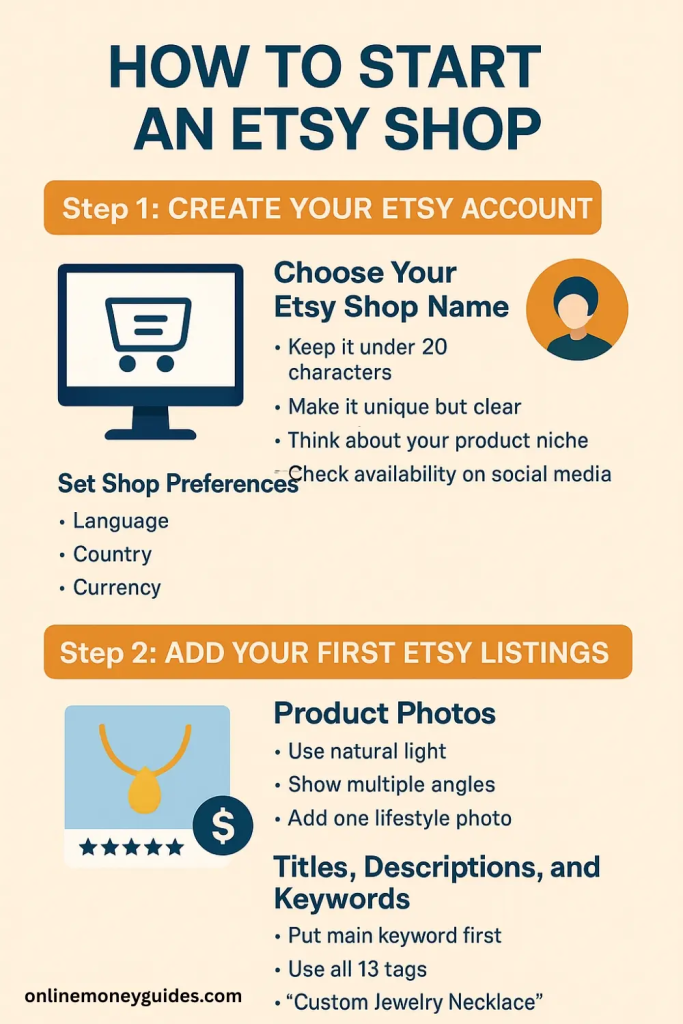
Step 1: Create Your Etsy Account
The very first step in your Etsy shop setup guide is creating a seller account. This is the foundation for everything that follows, so it’s worth getting right from the start. Etsy makes the process beginner-friendly, and you can complete it in just a few minutes.
Choose Your Etsy Shop Name
Your shop name is the first thing buyers will see. It’s your brand identity on Etsy. Ideally, it should be short, memorable, and easy to spell. You can always update your shop name later, but picking something you’re proud of from the start helps set the tone for your business.
Tips for brainstorming Etsy shop name ideas:
- Keep it under 20 characters (Etsy’s limit).
- Make it unique but clear. Avoid overly generic terms like “Best Gifts.”
- Think about your product niche (e.g., jewelry, stickers, digital prints).
- Check availability on social media and domain names if you plan to expand.
If you’re struggling, tools like Namecheckr (free) can help you see if your idea is taken across multiple platforms.
Set Shop Preferences
Once you’ve decided on a name, Etsy will prompt you to set your shop preferences:
- Language – the default for your listings.
- Country – where you’re based for shipping and legal reasons.
- Currency – how you’ll price your items.
These details might seem small, but they impact how your shop shows up in Etsy search results and how smooth the buying process is for your customers.
Step 2: Add Your First Etsy Listings
After your account is created, it’s time to bring your products to life inside your shop. Creating Etsy listings is where your creativity meets strategy. Your photos, descriptions, and keywords all influence whether someone clicks “add to cart.”
Product Photos
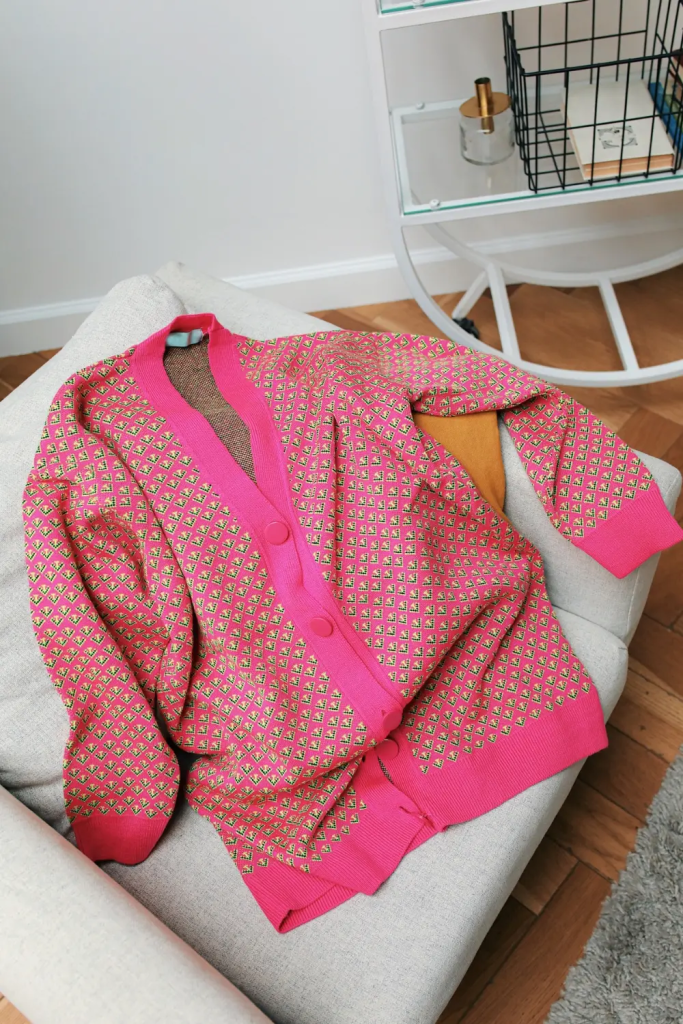
Good product photography is non-negotiable. Since buyers can’t touch or feel your items, photos do the heavy lifting in convincing them to purchase.
- Use natural light whenever possible.
- Show multiple angles of each item.
- Add one lifestyle photo (product in use).
- Keep your background clean and distraction-free.
If you don’t have a DSLR, your smartphone can work just fine with proper lighting. For editing, Canva, VistaCreate or Creative Fabrica provide affordable templates and design assets to make your product shots look professional.
Titles, Descriptions, and Keywords
This is where Etsy SEO comes in. Your title and description help Etsy understand what you’re selling and help buyers find your product.
Best practices for Etsy listing optimization:
- Put the most important keyword at the beginning of your title.
- Write descriptions for people first, then sprinkle in secondary keywords naturally.
- Use all 13 tags Etsy allows, focusing on a mix of broad and long-tail Etsy keywords.
Example: Instead of just writing “Handmade Necklace,” try “Custom Jewelry Etsy Necklace – Personalized Gift for Her.”

Step 3: Set Up Payments and Billing
Once your shop details are in place, Etsy will guide you through connecting your payment and billing information. This is how you’ll get paid for sales and how Etsy collects fees.
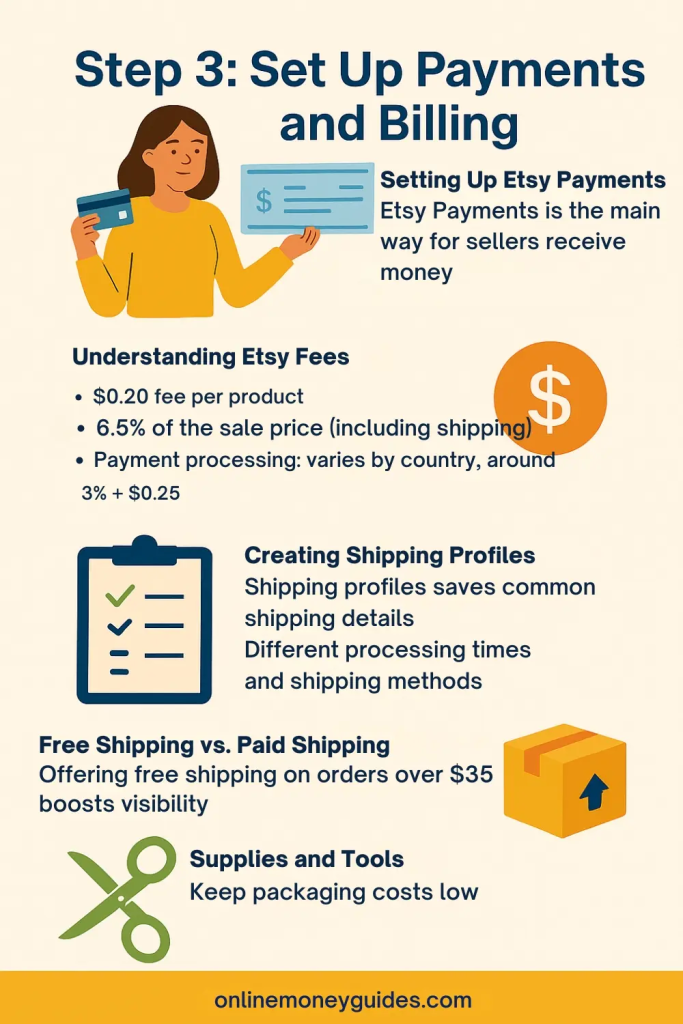
Setting Up Etsy Payments
Etsy Payments is the main way sellers receive money. When you connect your bank account, buyers can pay through credit cards, PayPal, Apple Pay, or Etsy gift cards, and Etsy will automatically deposit your earnings.
Etsy currently requires most new sellers to use Etsy Payments. Payouts are direct and usually happen daily, weekly, or monthly; you choose the schedule. This gives you flexibility, whether you want steady cash flow or prefer batching deposits.
Understanding Etsy Fees
Etsy is affordable to start, but it’s not free. The main costs to know:
- Listing fee: $0.20 per product.
- Transaction fee: 6.5% of the sale price (including shipping).
- Payment processing: varies by country, usually around 3% + $0.25.
On average, plan for around 8–10% of each sale going to Etsy fees. While that may sound like a lot, remember you’re also accessing a massive marketplace of millions of buyers.
Billing Information
Etsy requires a valid credit or debit card on file for verification and for charging fees. This is standard for all sellers. If you’re concerned about mixing personal and business funds, consider opening a separate checking account for your Etsy shop. It helps with bookkeeping and makes tax season less stressful.
Step 4: Configure Shipping Settings
Shipping is one of the trickiest parts for new Etsy sellers, but Etsy gives you tools to simplify the process.
Creating Shipping Profiles
Instead of entering shipping details for every listing, you can create shipping profiles. A profile is like a template you can apply to multiple products. For example, you could set one profile for lightweight stickers and another for heavier home décor items.
Shipping profiles include:
- Processing time (how many days it takes you to ship).
- Shipping carriers and methods.
- Costs by location (domestic vs. international).
Free Shipping vs. Paid Shipping
Etsy encourages sellers to offer free shipping, especially on orders over $35 in the U.S., because it increases visibility in search results. If you can, build shipping costs into your product price. If not, be transparent about your rates.
Supplies and Tools
For packaging, many sellers use Amazon for shipping supplies like bubble mailers, tape, and scales. Keeping costs low while making the unboxing experience feel special is part of your brand. A handwritten thank-you note can go a long way in building repeat buyers.
Step 5: Customize Your Shop Branding and Policies
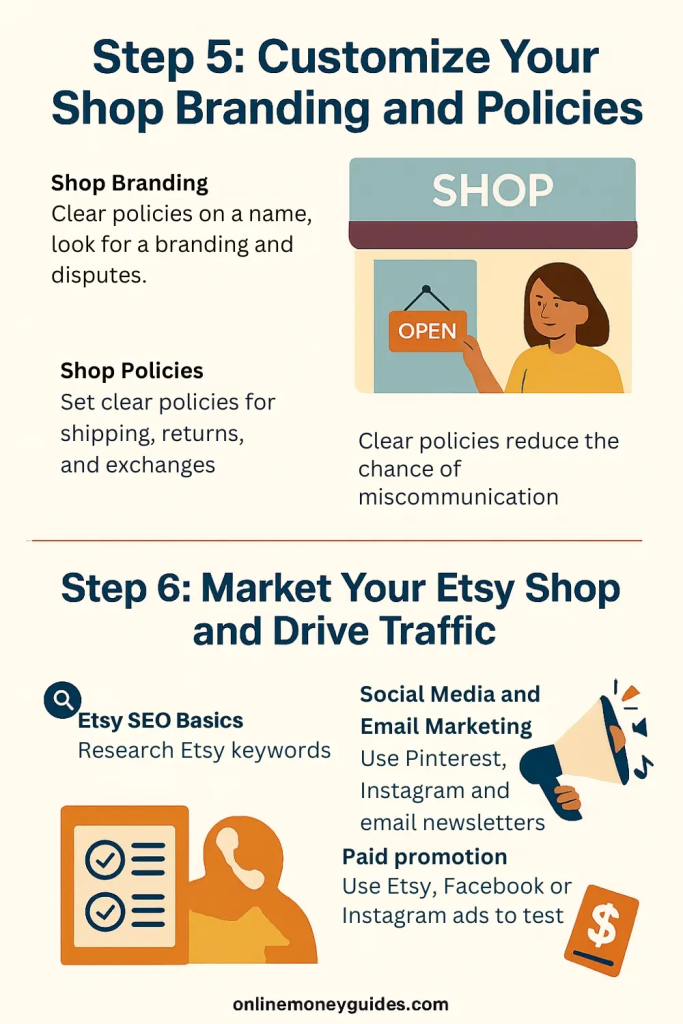
This is the part where your Etsy shop goes from being just another storefront to feeling like your business. Branding builds trust and helps buyers remember you.
Shop Branding
When someone lands on your shop page, they’ll notice your banner, logo, and overall aesthetic. These small details influence whether they stay or click away. A clean, consistent look tells buyers that you take your business seriously.
You don’t need to hire a professional designer to get started. Free tools like VistaCreate, Canva, or asset libraries from Creative Fabrica give you ready-made templates for shop banners, logos, and social media graphics. Keep your color palette consistent, and choose fonts that are easy to read.
Think of your branding as a promise to your customer. If your shop looks cohesive and polished, buyers feel more confident making a purchase.
Shop Policies
Etsy allows you to set clear policies for shipping, returns, exchanges, and processing times. These policies protect both you and your customer in case of disputes.
Even if you’re brand new, don’t skip this step. Buyers are more likely to trust a shop with transparent rules. Your policies don’t have to be complicated — just set realistic expectations. For example:
- State whether you accept returns and under what conditions.
- Be upfront about shipping times so customers aren’t left wondering.
- Clarify whether custom or digital products are refundable (many sellers mark them as final sale).
Clear policies reduce the chance of miscommunication, and Etsy’s own support team will back you up if issues arise.
Step 6: Market Your Etsy Shop and Drive Traffic
Launching your Etsy shop is only the beginning. To get consistent sales, you’ll need to actively market your products. The good news is there are plenty of low-cost (and even free) ways to promote your shop.
Etsy SEO Basics
Just like Google, Etsy has its own search engine. The words you use in your titles, descriptions, and tags determine whether buyers find you. Researching Etsy keywords can make the difference between being buried on page 10 or showing up on page 1.
To start:
- Use long-tail keywords (e.g., “personalized wedding gift” instead of just “gift”).
- Place your most important keywords at the beginning of your product titles.
- Fill out all 13 tag slots with a mix of broad and specific terms.
Over time, you can adjust based on what’s driving traffic. Etsy’s analytics will show you which keywords are working.
Social Media and Email Marketing
Etsy brings built-in traffic, but you’ll grow faster if you market outside the platform too.
- Pinterest is one of the best for Etsy sellers because it acts like a search engine. Tools like Tailwind automate posting so you can stay consistent without spending hours every week.
- Instagram and TikTok are powerful for visual products. Behind-the-scenes content, packaging videos, and lifestyle shots all build trust.
- Email marketing keeps your customers coming back. Using a platform like ConvertKit, you can offer a small discount code in exchange for an email sign-up and build a loyal base of repeat buyers.
Paid Promotion
If you’re ready to invest a little money, Etsy Ads can push your listings higher in search results. Start small, even $1–2 per day, and watch how your ads perform. You can scale once you see what works.
Some sellers also test Facebook or Instagram ads, but Etsy Ads is the easiest place to start since it’s built directly into the platform.

Step 7: Launch and Manage Your Etsy Shop
After your listings, branding, and policies are in place, it’s time to hit “open.” This is the exciting part but it’s also where consistency becomes key. Opening your Etsy shop is just the beginning of the journey.
Announce Your Launch
Don’t keep your shop opening a secret. Share the news with family, friends, and your existing social networks. A few early sales from people you know can give you momentum and help you build reviews. Etsy rewards shops with good engagement and positive feedback by showing them more often in search.
If you’re on Instagram, TikTok, or Pinterest, make a post (or short video) showing your products and linking directly to your new shop. The more platforms you use, the more chances buyers have to discover you.
Track Your Analytics
Once your shop is live, Etsy provides a dashboard with insights into traffic, keywords, and conversion rates. These numbers aren’t just data, they’re clues about what’s working.
If you notice one product gets more clicks than others, ask yourself why. Is the photo stronger? Is the title keyword-rich? Use that information to tweak your other listings.
Outside of Etsy, tools like VidIQ can help if you’re promoting your shop through YouTube content. For Pinterest-driven shops, Tailwind has built-in analytics to show what pins are bringing traffic.
Stay Consistent and Keep Learning
Success on Etsy rarely happens overnight. Most sellers see their first sales within a few weeks to a few months, depending on their niche and marketing. What separates shops that grow from those that stall is consistency.
- Add new listings regularly.
- Update photos and descriptions when you see opportunities to improve.
- Respond quickly to customer messages to build trust.
Think of your Etsy shop as an evolving business, not a one-time setup. Every update you make teaches the algorithm more about your shop and gives you a chance to stand out.

Bringing Your Etsy Shop to Life
Getting your shop started is just the foundation. To learn how to attract customers, optimize listings, and turn your shop into a full-time income, check out our Ultimate 2026 Etsy Guide.
Starting an Etsy shop may feel overwhelming at first, but when you break it down step by step, it becomes a manageable and exciting process. You don’t need a business degree, a warehouse of products, or thousands of dollars to begin. What you need is clarity, consistency, and the willingness to learn as you go.
You’ve now seen how to start an Etsy shop from creating your account and listings, to setting up branding, policies, and marketing strategies. Each step builds on the last, and none of it has to be perfect the first time. The beauty of Etsy is that you can adjust as you grow.
Whether you’re selling handmade jewelry, digital downloads, or vintage finds, Etsy remains one of the most accessible platforms for turning creative ideas into real income. The sooner you take the first step, the sooner you’ll have your own shop open, ready for buyers around the world to discover.